
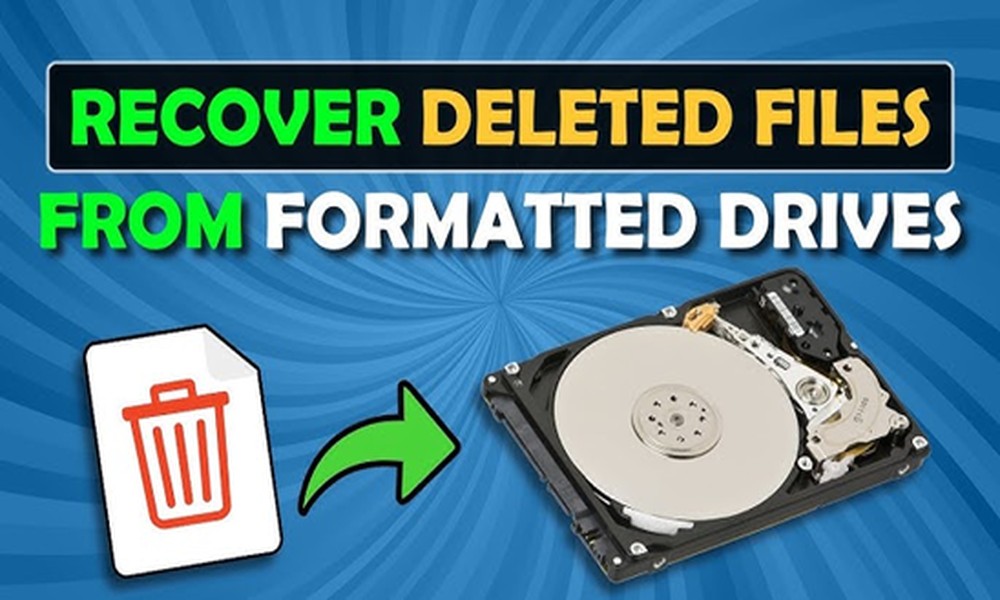
Do you find your Recycle Bin empty when you click the Delete option? You believe the files have gone forever. Videos, documents, and photos on your computer appear to vanish instantly. However, inside the hard disk drive, the story is interesting.
Deleting a file or folder does not mean it is destroyed instantly. Rather, your computer only adjusts the storage space. So, some deleted files are recoverable from your hard disk drive.
Understanding file deletion from HDD
When you remove a file from your PC, the Operating System does not erase the data instantly. But, it only removes the reference to the particular file from your computer system’s file index.
Your hard drive is comparable to a digital library, where your files are books. The Operating System of your device secures a catalogue, telling the location of the files.
After deleting a file, it removes the catalog entry. But, the book or the file is still present there for a certain period. The system then marks the storage as available for new data.
What happens to your files?
Data inside the HDD is stored in small units known as sectors. When you delete the file, its entry in the system is also removed. The sectors for that file are available as free space. In these sectors, data remains intact until you have overwritten it.
For this reason, deleted files are retrievable in most cases. You need to use a reliable tool to recover deleted files from hard drive. PandaOfficeDrecov data recovery software has become the best solution for the deleted HDD files. The software is designed to recover different types of files, including photos, videos, documents, and emails. You need to buy a license to use the premium version of the software.
Conclusion
Understanding the facts about the deleted files is important. Especially when you make an accidental deletion, you need to take the right step to recover the files. The use of innovative tools allows you to recover data from your drive. So, use PandaOffice strategically to restore your essential files.
About The Author




More Stories
Which deliverables to request at the end of a web design agency project?
Why Top Brands Rely on B2B Marketing Agencies
Precision and Throughput: How Robotic Screwdriving Transforms Electronics Assembly